
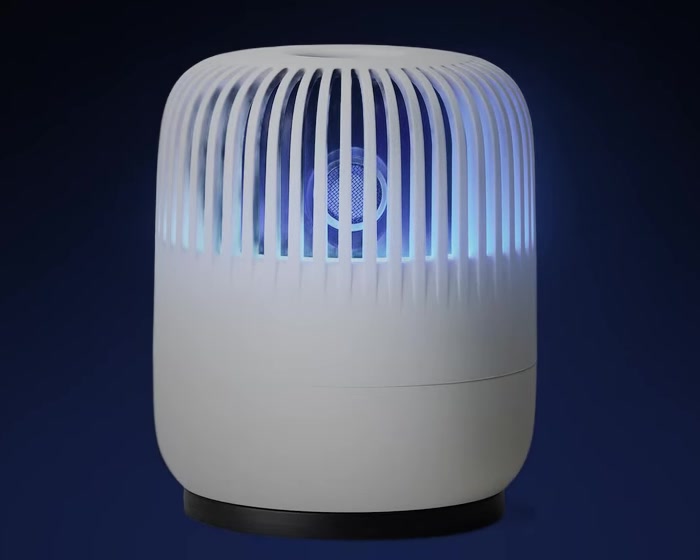
This article uses Instagram and Naver Blog content created with influencers through product gifting and sponsorship. Each image identifies the creator and links to the original post.
A rounded body and vertical grille. Switching on the light gives MOSLOCK a different expression. Separate from its mosquito-repellent function, this article explores the product's shape and mood lighting.
The little pleasure of choosing a light
The app screens in the user manual show eight solid colors, Multi mode and three brightness levels. Mood lighting and the rotating motor can be controlled independently.
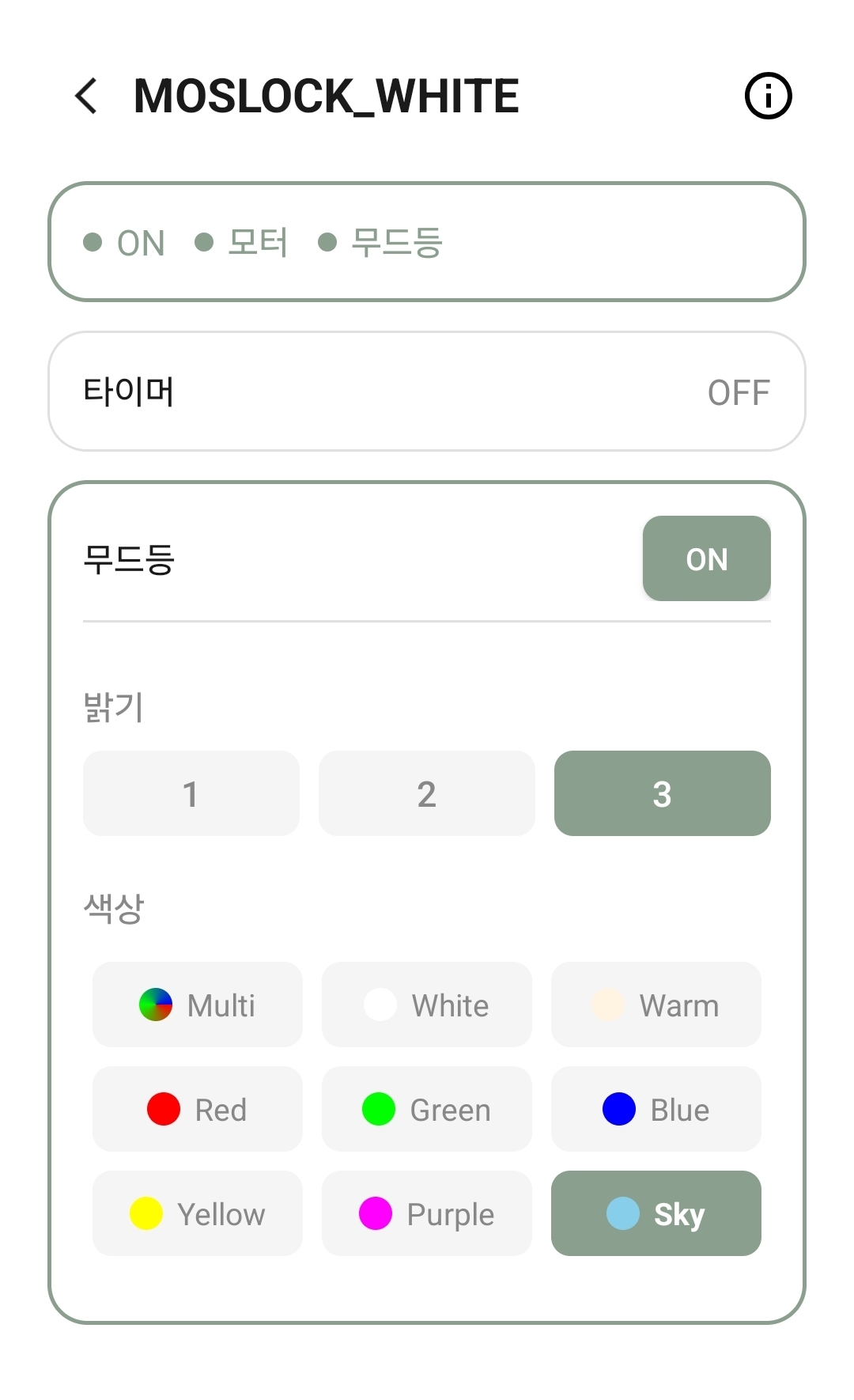
- Brightness: select your preferred brightness from levels 1 to 3.
- Color: choose from eight solid colors.
- Multi mode: select [Multi] under colors for smoothly changing colors.
Choose brightness and color to suit your setting. Before sleep, adjust the brightness to your preference or turn it off. Mood lighting is decorative; the light's color itself does not imply increased mosquito repellency.
MOSLOCK in influencers' everyday lives
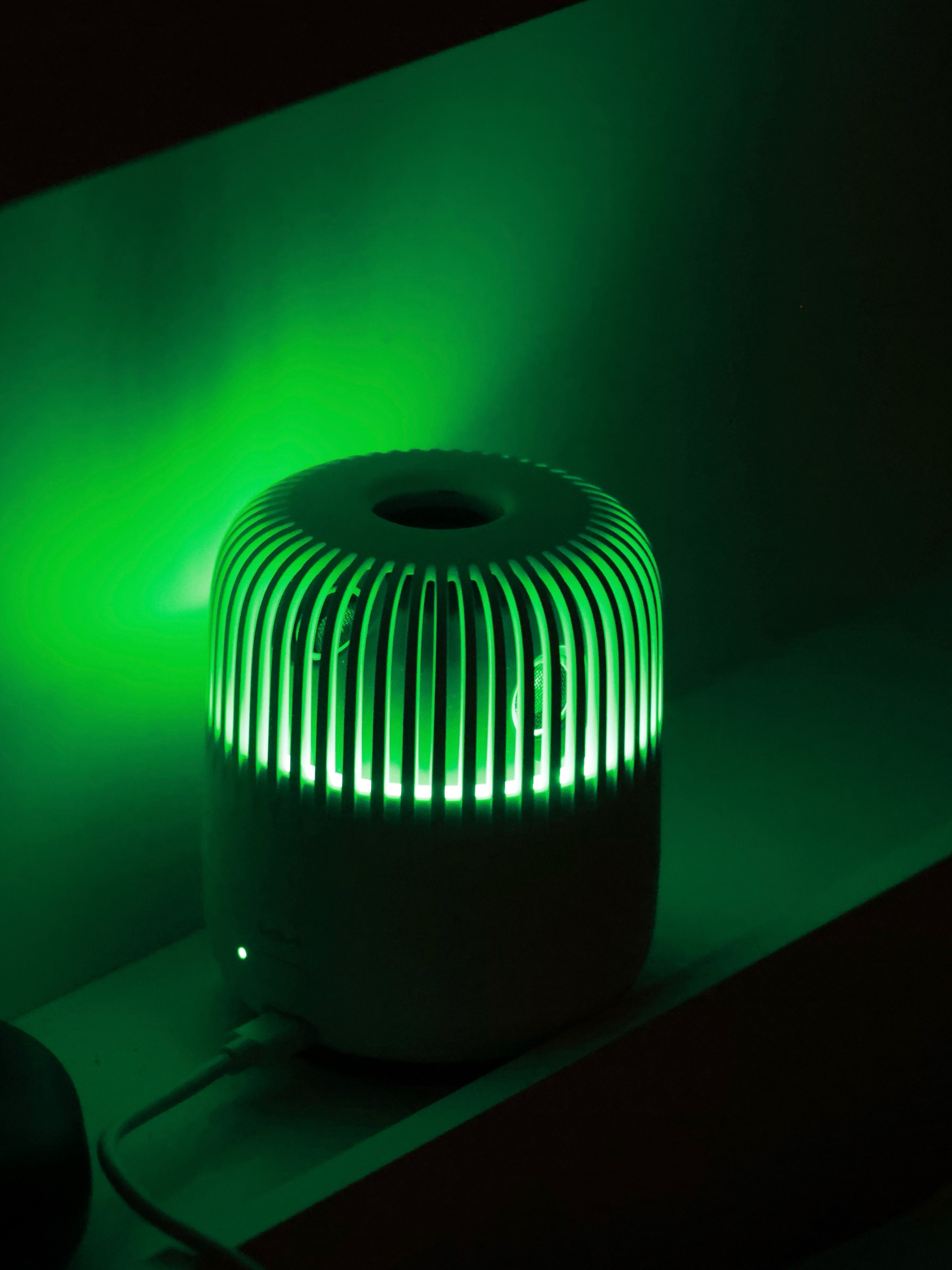
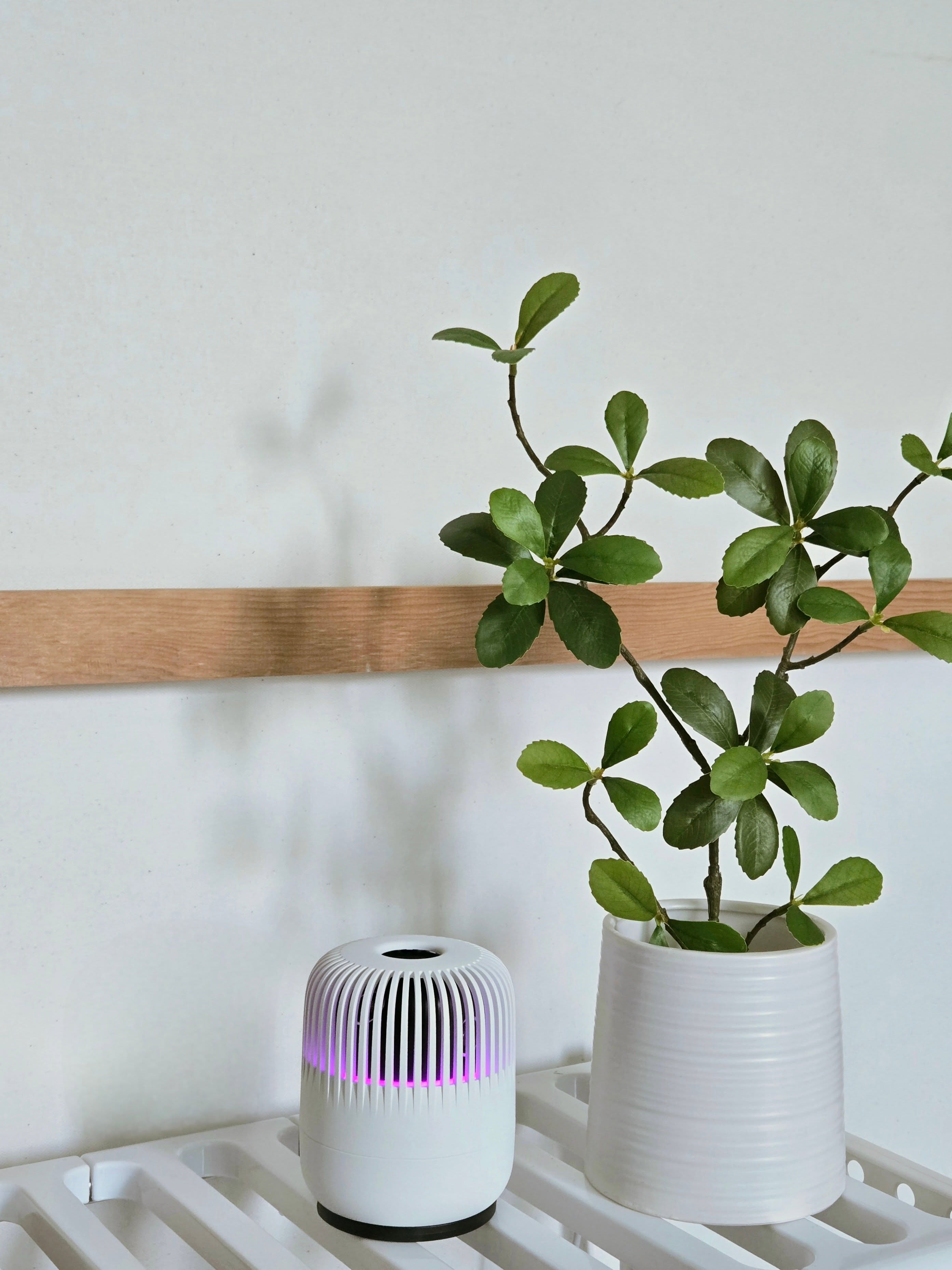
Seeing a product in a room helps convey its size and atmosphere. Photographs may be styled, however, and the light's actual color and brightness can look different depending on shooting conditions and your screen.
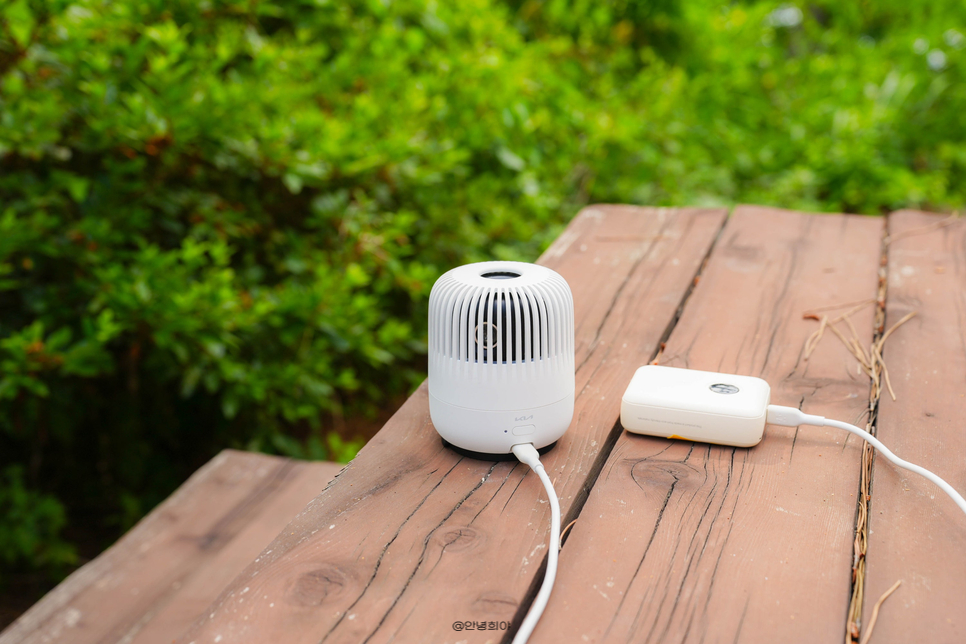
On a table, in a vehicle or beside a bed: as well as appearance, check that nothing blocks the front of the device. Before copying a photographed setup, check the power supply and a stable placement.
How to set mood lighting in the app →
Materials and sources
- babysoo2407's original Instagram post — Product-gifting/sponsored advertising content.
- Gomdungmom's original Instagram post — Post labeled #제품제공 (product provided).
- Annyeongheeya's original Naver Blog post — Sponsored advertising content, as confirmed by the site owner.
- MOSLOCK user manual: mood-light color, brightness and individual function controls.